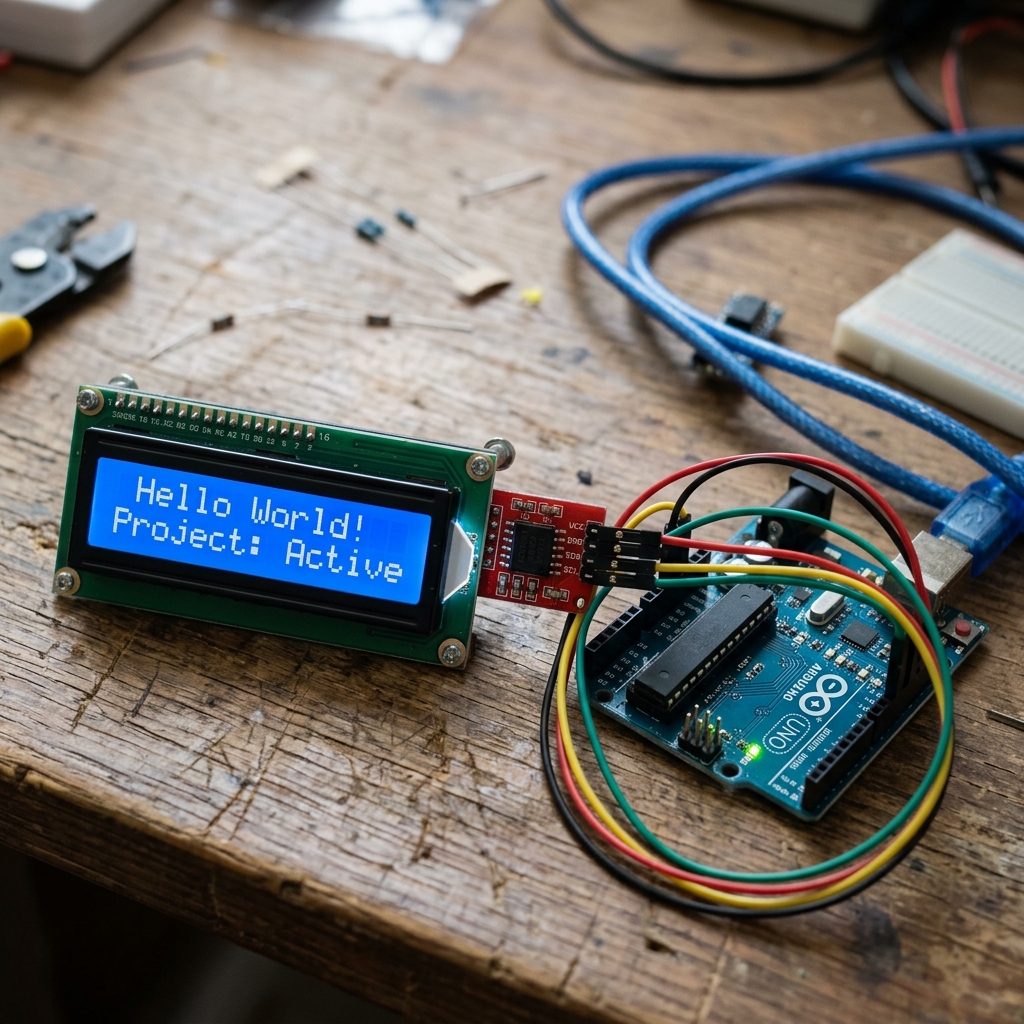
You’ve wired up your new I2C LCD display. The backlight turns on, but instead of text, you just see a row of solid blank boxes staring back at you menacingly. Don’t panic! Your screen isn’t broken. This is the most common issue beginners face, and it usually means you just need to adjust a tiny, hidden knob on the back until the text magically appears.
Fix 1: Adjust the Contrast Potentiometer (Most Common)
On the back of your I2C backpack (the small black board soldered to the LCD), there is a small blue box with a screw in it. This is a potentiometer that controls the contrast of the screen.
The Fix:
- Leave your Arduino plugged in and running your code.
- Take a small Phillips or Flathead screwdriver.
- Slowly turn the screw on the blue potentiometer clockwise (or counter-clockwise) while watching the screen.
- Suddenly, the boxes should fade away and your text will appear!
Note: If you turn it too far one way, the screen goes completely blank. Too far the other way, and it turns into solid boxes.
Fix 2: Check the I2C Address in Your Code
If adjusting the contrast didn’t work, your Arduino might be trying to talk to the screen using the wrong I2C address.
Most displays use either 0x27 or 0x3F. If your code initializes the LCD with LiquidCrystal_I2C lcd(0x27, 16, 2); but your screen’s address is actually 0x3F, it won’t receive the data.
The Fix:
- Upload an I2C Scanner Sketch to your Arduino.
- Open the Serial Monitor (Baud rate 9600).
- Look for the output:
I2C device found at address 0x3F. - Update your code to match that exact address.
(Need a refresher on I2C? Check out Lesson 127: Introduction to I2C LCD Displays).
Fix 3: Wiring Issues (SDA / SCL)
If the I2C scanner hangs or says “No I2C devices found”, your wiring is incorrect. For an Arduino Uno:
- SDA connects to A4
- SCL connects to A5
- VCC to 5V, GND to GND.
(Using a different board? Check out our Microcontroller Setup Guide to find the correct I2C pins for your specific board).
Let us know in the comments if one of these fixes worked for you!