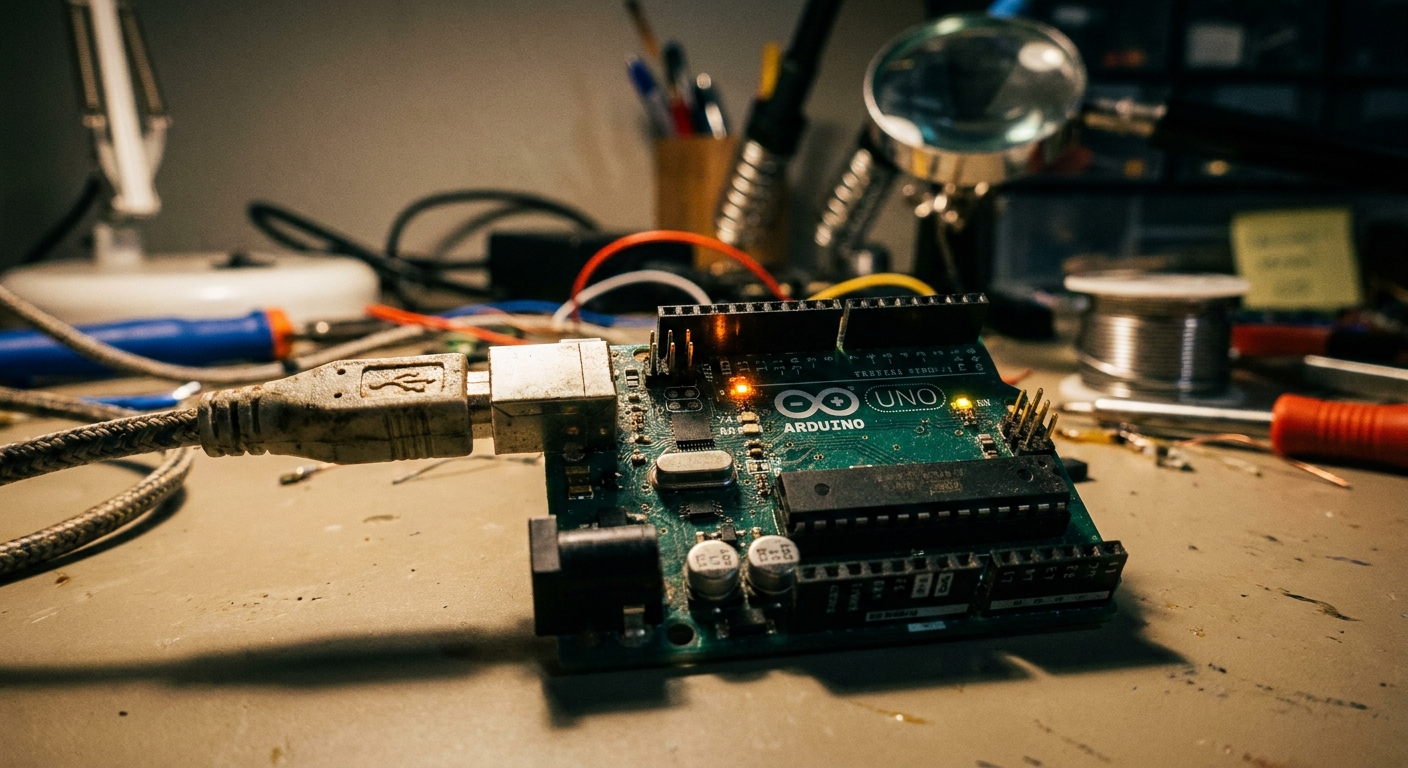
It is a rite of passage for every maker. You hit the “Upload” button, and suddenly the console turns angry orange with the cryptic message:
avrdude: stk500_getsync(): not in sync: resp=0x00
This error simply means your computer and the Arduino are refusing to talk to each other. It’s the silent treatment, in digital form. Here is how to fix their relationship.
1. Check the COM Port and Board
The most common mistake is telling the IDE to talk to the wrong port.
- Go to Tools -> Board and ensure “Arduino Uno” (or your specific board) is selected.
- Go to Tools -> Port. If the port is grayed out or you selected
COM1(which is almost never right on Windows), you need to select the correct port. If you don’t know which it is, unplug the Arduino, check the list, plug it back in, and see which new COM port appears.
2. Missing CH340 Drivers (Clone Boards)
If you bought a budget Arduino clone (which we discussed in Meet the Arduino Uno), it likely uses a CH340 serial chip instead of the official ATmega16U2. Windows and Mac often don’t have this driver pre-installed. You will need to download and install the CH340 driver for your OS.
3. The Digital Pin 0 and 1 Trap
This one catches everyone! The Arduino Uno uses Digital Pins 0 (RX) and 1 (TX) for USB communication. If you have anything plugged into pins 0 or 1 on your breadboard during upload (like a Bluetooth module or a sensor), it will intercept the code and cause this error.
- The Fix: Unplug all wires from pins 0 and 1, upload your code, and plug them back in.
4. Swap the USB Cable
Many micro-USB and mini-USB cables lying around your house are “charge-only” cables (often from cheap wireless headphones). They lack the internal data wires. Swap your cable for a known data-sync cable.
Follow these four steps and you’ll have your code uploading smoothly in no time!