SD Card Module Initialization Failed? Here is Why
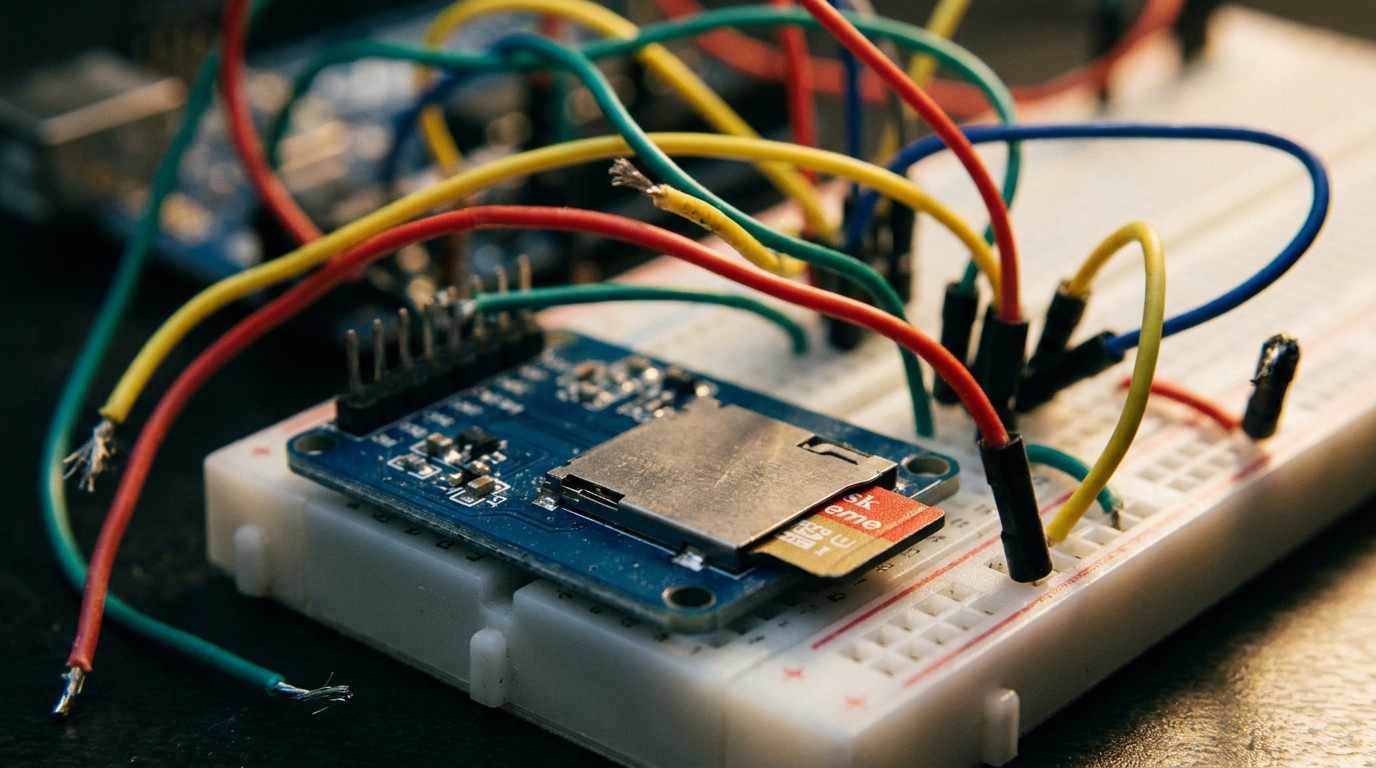
You’ve wired up everything perfectly. You’ve double-checked the SPI pins (MOSI to 11, MISO to 12, SCK to 13, CS to 4). You upload the code, open the Serial Monitor, and are greeted with the classic:
Initialization failed!
Congratulations! You’ve just fallen into the most common trap in Arduino data logging.
Most cheap blue Micro SD card modules you find on Amazon are marketed for Arduino, but they hide a dirty little secret: SD cards run on 3.3V logic, but the Arduino Uno blasts them with 5V.
While many of these modules have a built-in voltage regulator to drop the power to 3.3V, they often lack a logic level shifter for the data lines. This means your 5V Arduino is screaming data at a 3.3V SD card, and the SD card is either ignoring it, or slowly cooking to death.
The Fix: Level Shifting
If your SD card module doesn’t have a level shifter chip (like the LVC125A) onboard, you need to use an external logic level shifter between the Arduino and the SD module.
Alternatively, grab a module that actually includes proper level shifting.
Recommended Gear:
Check out Lesson 146: Data Logging with a Micro SD Card Module for the full wiring and code guide.