Project 10: 24-LED NeoPixel Minimalist Desk Clock
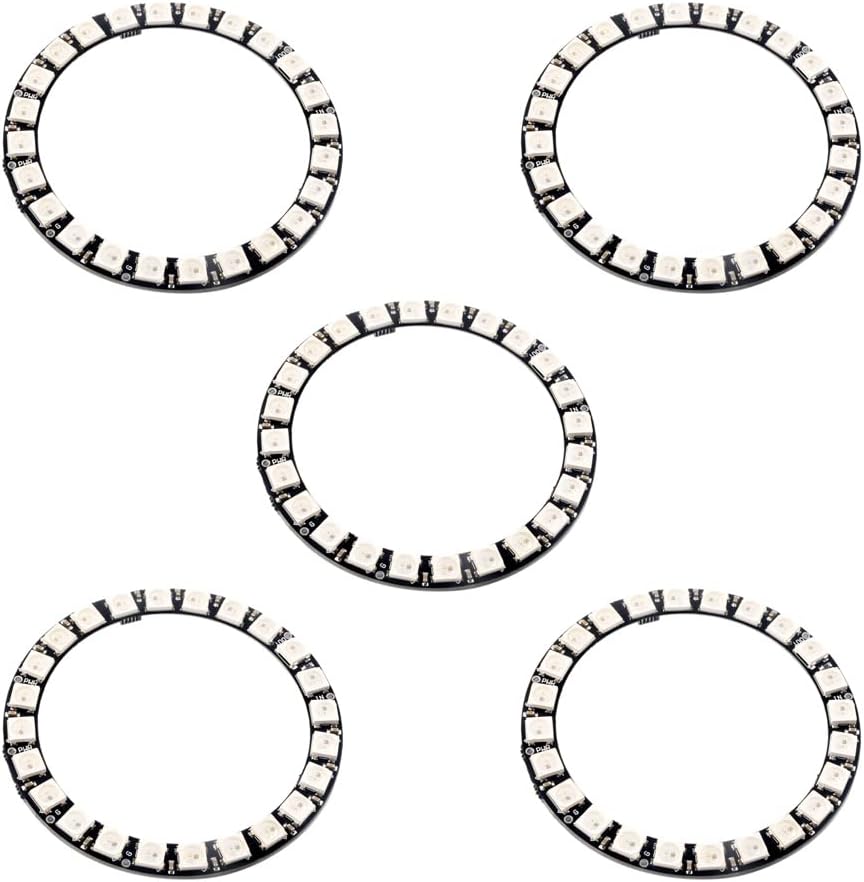
We’ve all seen analog clocks with ticking hands, and digital clocks with boring seven-segment displays. But what if we combine them into a sleek, glowing, minimalist desk clock that blinds you at 2 AM? Today, we’re building a NeoPixel Desk Clock! We will use a 24-LED WS2812B ring to violently flash the time at you in full RGB color.
How It Works
To keep accurate time even when unplugged, we rely on a DS3231 Real-Time Clock (RTC) Module. It has a tiny coin cell battery that keeps the internal clock ticking. The Arduino Nano acts as the brain: it reads the current time from the RTC and translates it into specific LED positions and colors on the 24-LED NeoPixel Ring.
For example:
- Red LED represents the Hour hand.
- Green LED represents the Minute hand.
- Blue LED represents the Second hand.
(Because there are 24 LEDs instead of 60, we map the 60 minutes/seconds onto the 24 LEDs using some simple Arduino math!)
Required Components
Here are the specific parts you need to build this project (using our direct Amazon links helps support the Electron Parade!):
- WS2812B 24 LED Ring 5V - The star of the show.
- Arduino Nano V3.0 - The compact brain that drives the LEDs.
- DS3231 RTC Module - The highly precise real-time clock.
- Jumper Wires & Breadboard
- 5V Power Supply (Make sure it can provide at least 1-2 Amps to safely power bright NeoPixels!)
The Wiring
- DS3231 to Arduino Nano (I2C Communication):
- VCC → 5V
- GND → GND
- SDA → A4
- SCL → A5
- NeoPixel 24-Ring to Arduino Nano:
- VCC (or 5V) → 5V
- GND → GND
- DI (Data In) → D6 (or any digital pin you define in the code)
Writing the Code
You’ll need the Adafruit_NeoPixel and RTClib libraries installed in your Arduino IDE.
This project is inspired by the fantastic guide over at Circuit Digest: DIY Arduino Neo Pixel Digital Watch. Their tutorial breaks down exactly how to initialize the RTC, fetch the hours/minutes/seconds, and use the map() function to light up the correct LEDs on the 24-ring format.
Next Steps
Once you have it working on a breadboard, the real fun begins! You can design and 3D print a custom enclosure, carve one out of wood, or diffuse the LEDs using frosted acrylic to give the colors a smooth, modern neon look.
Stay tuned for our next project, and happy tinkering!