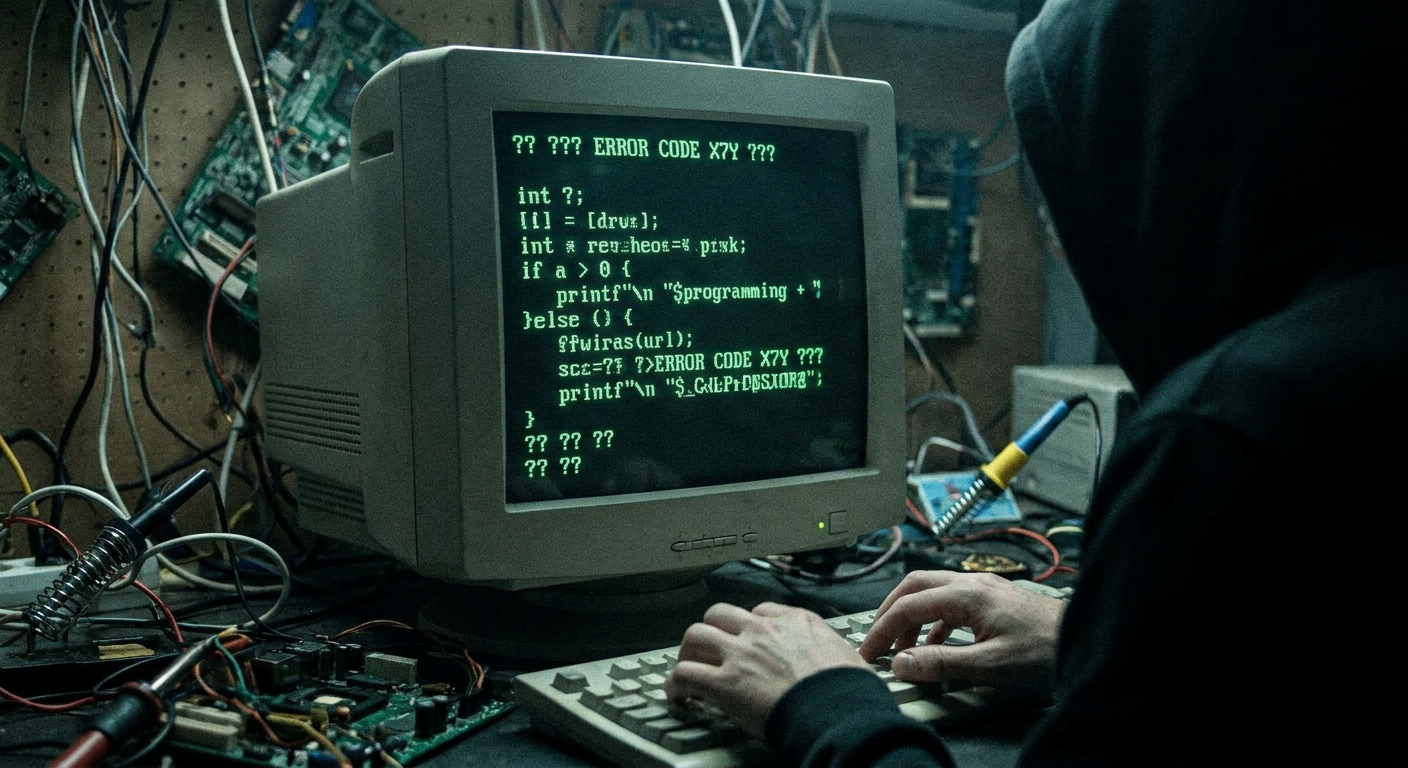
You wrote code to read a sensor and print it to the screen. You open the Serial Monitor, but instead of “24 Degrees”, you see:
⸮⸮⸮x⸮x⸮~⸮
Don’t panic! Your Arduino isn’t broken, and it hasn’t become sentient and learned alien languages. You are just experiencing a Baud Rate mismatch, meaning you and your computer are screaming at each other at different speeds.
What is a Baud Rate?
When your Arduino talks to your computer over the USB cable, they have to agree on how fast they are going to speak to each other. This speed is measured in bits per second, or “baud”.
If the Arduino is shouting at 115200 baud, but your computer is listening at 9600 baud, the computer just hears garbled noise—hence the weird backward question marks.
The Fix
- Look at your Arduino code in the
setup()function. You should see a line like this:Serial.begin(9600); - Now, look at the bottom right corner of the Serial Monitor window.
- You will see a dropdown menu. Click it, and change the number to match the number in your code (e.g., set the dropdown to
9600 baud).
Instantly, the gibberish will vanish and your crisp, readable data will appear!