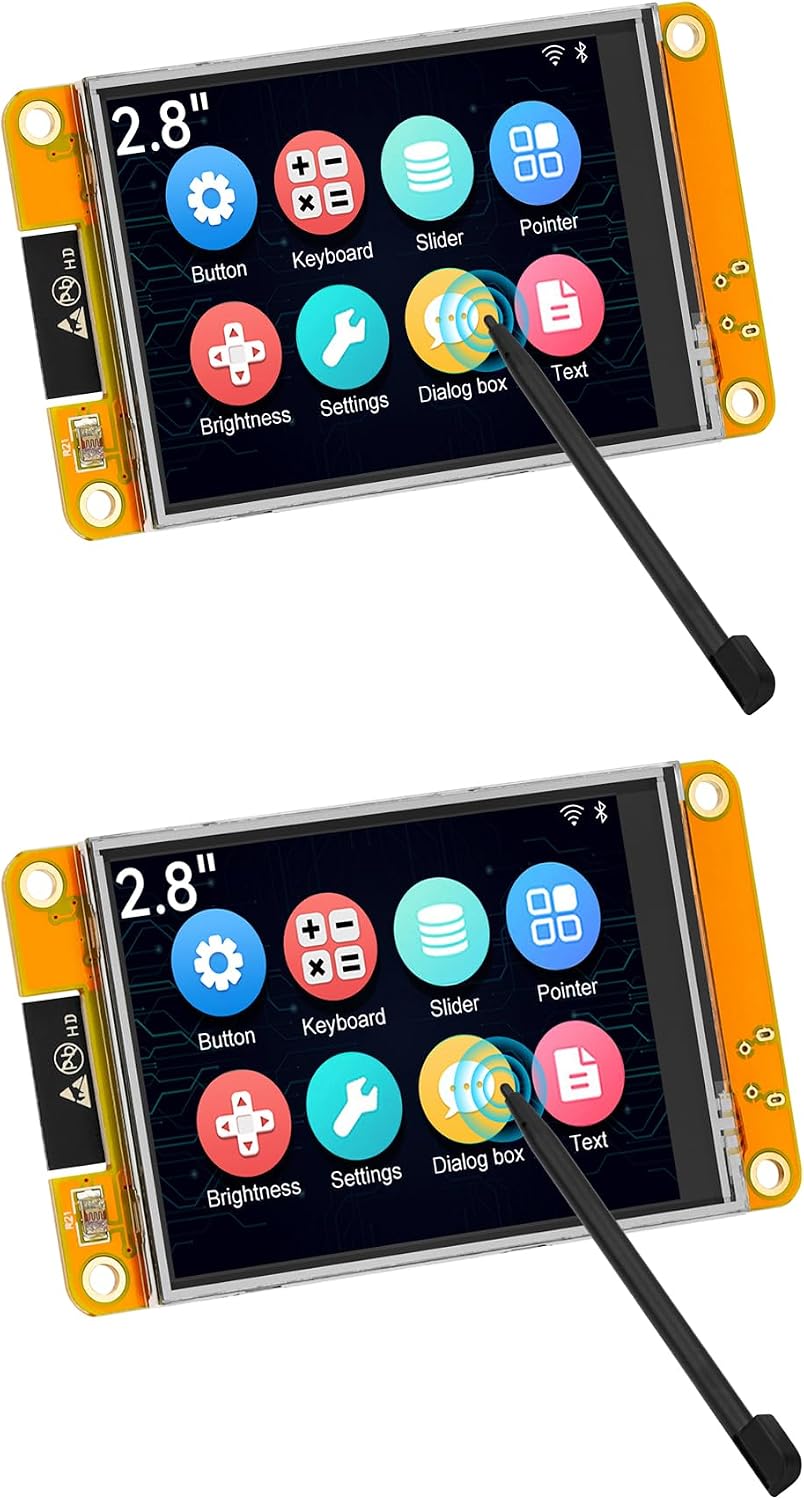
Welcome back! Today, we’re building a highly functional Smart Home Dashboard using the ESP32-2432S028R, affectionately known as the “Cheap Yellow Display” (CYD). This project bridges the gap between simple sensor nodes and a fully-fledged touchscreen interface. Finally, you can control your smart home using a highly questionable screen you bought for $15.
Why Build This?
If you’ve been following along with our previous projects (like the Automated Plant Waterer or the Weather Station), you likely have a few ESP32 nodes scattered around. Instead of logging into a web interface on your phone, this CYD dashboard gives you a dedicated physical touchscreen to monitor sensor data or toggle relays instantly using the lightning-fast ESP-NOW protocol.
What You’ll Need
For this project, the bill of materials is incredibly simple because the CYD integrates the ESP32, an LCD, a touchscreen, and an SD card reader all onto a single board!
- ESP32-2432S028R 2.8 inch Touch Display Module (CYD)
- Micro-USB Cable for programming
- (Optional) Existing ESP32 nodes to control!
How It Works
We’ll be leveraging a robust tutorial from the great folks at Random Nerd Tutorials.
The Cheap Yellow Display uses the TFT_eSPI library to render buttons and text. We will program the display to show a grid of interactive buttons. When you tap a button, the ESP32 uses ESP-NOW—a connectionless Wi-Fi communication protocol created by Espressif—to instantly send a command payload to a target ESP32 board, which can then activate a relay or send back temperature data.
Step-by-Step Summary
- Library Setup: Install the
TFT_eSPIandXPT2046_Touchscreenlibraries in your Arduino IDE. You must configure theUser_Setup.hfile to match the CYD’s specific pinout. - UI Design: We draw buttons using basic geometric functions (
fillRect,drawString). - Touch Calibration: We read the X and Y coordinates of the touchscreen press and map them to our drawn buttons.
- ESP-NOW Broadcasting: We set the MAC address of our receiver boards and use
esp_now_sendto transmit the state toggles!
Ready to get started? Grab your CYD display and let’s bring your smart home together!