Lesson 117: If/Else Logic (Smart Switches)
Programming is essentially just forcing a very fast, very stupid rock to make decisions for you. And the primary weapon we use to force these decisions is the if/else statement. It’s the digital equivalent of “If you do this, you get a cookie; else, you get nothing.”
We briefly bumped into an if statement when we read our first pushbutton. Now, we’re going to stop avoiding it and explore it in depth by creating a “smart” switch using two buttons. Let’s make this rock do some actual work.
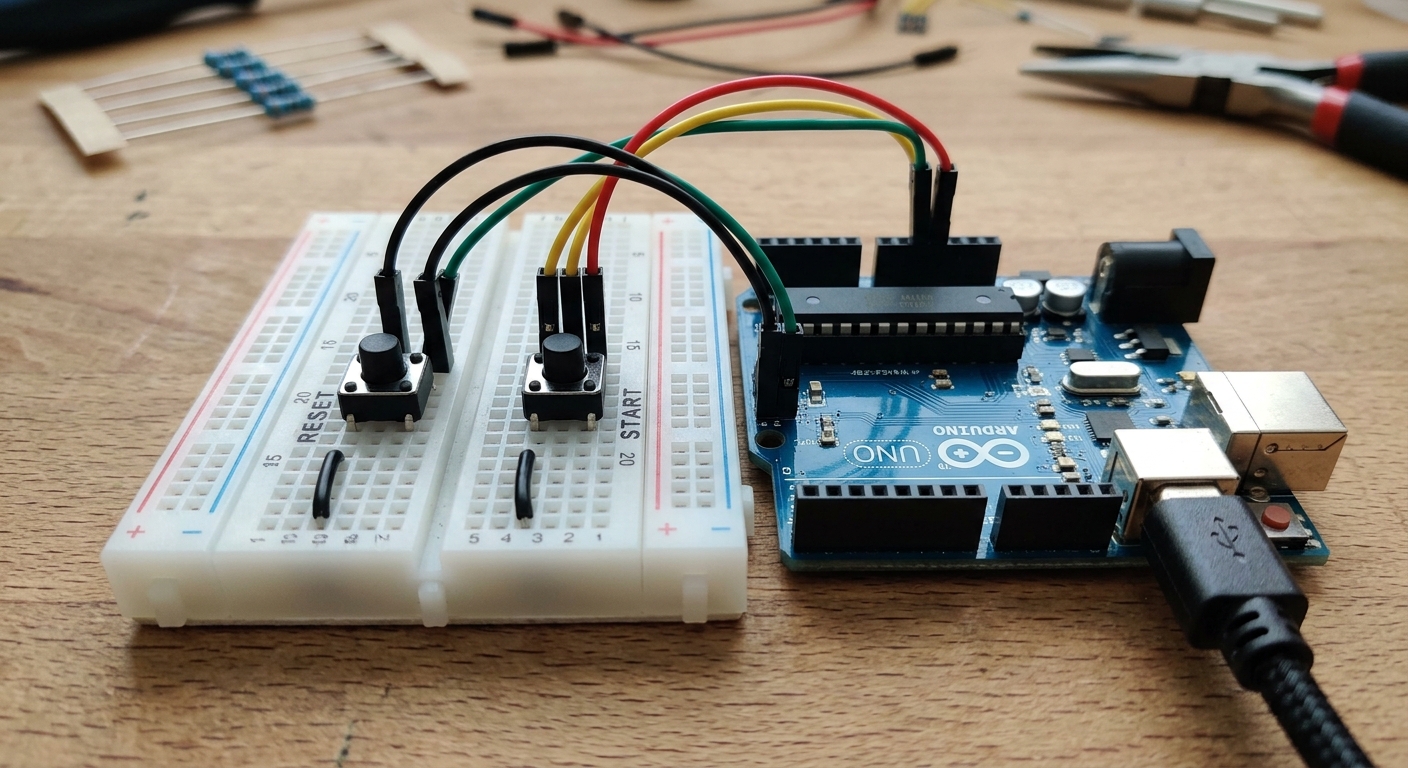 Combining inputs allows for more complex control logic.
The Conditional Statement
An if statement checks a condition. If the condition is true, it executes the code inside its curly brackets. If it is false, it skips that code entirely.
if (condition) {
  // Do this if condition is true
}
Common conditions include:
==(is equal to - Note the double equals sign!)!=(is not equal to)<(is less than)>(is greater than)
else if and else
You can chain decisions together.
else ifprovides an alternative condition to check if the first one failed.elseis the catch-all. It runs if none of the previous conditions were true.
if (temperature > 80) {
  // Turn on AC
} else if (temperature < 60) {
  // Turn on Heater
} else {
  // Do nothing, the weather is fine
}
The Two-Button Circuit
Set up two pushbuttons on your breadboard with pull-down resistors (just like Lesson 114).
- Connect Button A to Pin 2.
- Connect Button B to Pin 3.
- Connect an LED to Pin 9.
The Code: A Logic Gate
Let’s write a program where Button A turns the LED on, Button B turns it off, and if you press BOTH, the LED blinks rapidly.
int buttonA = 2;
int buttonB = 3;
int ledPin = 9;

void setup() {
  pinMode(buttonA, INPUT);
  pinMode(buttonB, INPUT);
  pinMode(ledPin, OUTPUT);
}

void loop() {
  int stateA = digitalRead(buttonA);
  int stateB = digitalRead(buttonB);

  // Logical AND (&&) means BOTH conditions must be true
  if (stateA == HIGH && stateB == HIGH) {
    // Both pressed: Panic Blink!
    digitalWrite(ledPin, HIGH);
    delay(50);
    digitalWrite(ledPin, LOW);
    delay(50);
  }
  // If not both, check if just A is pressed
  else if (stateA == HIGH) {
    digitalWrite(ledPin, HIGH); // Turn ON
  }
  // If not A, check if just B is pressed
  else if (stateB == HIGH) {
    digitalWrite(ledPin, LOW);  // Turn OFF
  }
}
Logical Operators
Notice the && in the first if statement. That is the logical AND operator. It joins two conditions together.
If you wanted to check if Button A or Button B was pressed, you would use the logical OR operator, which looks like this: ||.
By combining if/else statements and logical operators, your Arduino can navigate incredibly complex scenarios and build true “smart” devices.
[Building a complex control deck? You might need a larger breadboard. Check out this Full-Size Breadboard 3-Pack.]